
Get on the shortlist: the one-line Contact strip that gets you seen
Most assistant answers pull from about seven sites. Put a clear Contact strip (telephone, WhatsApp, address with map, opening hours) at the very top to earn a spot.
Why only a few sites get shown
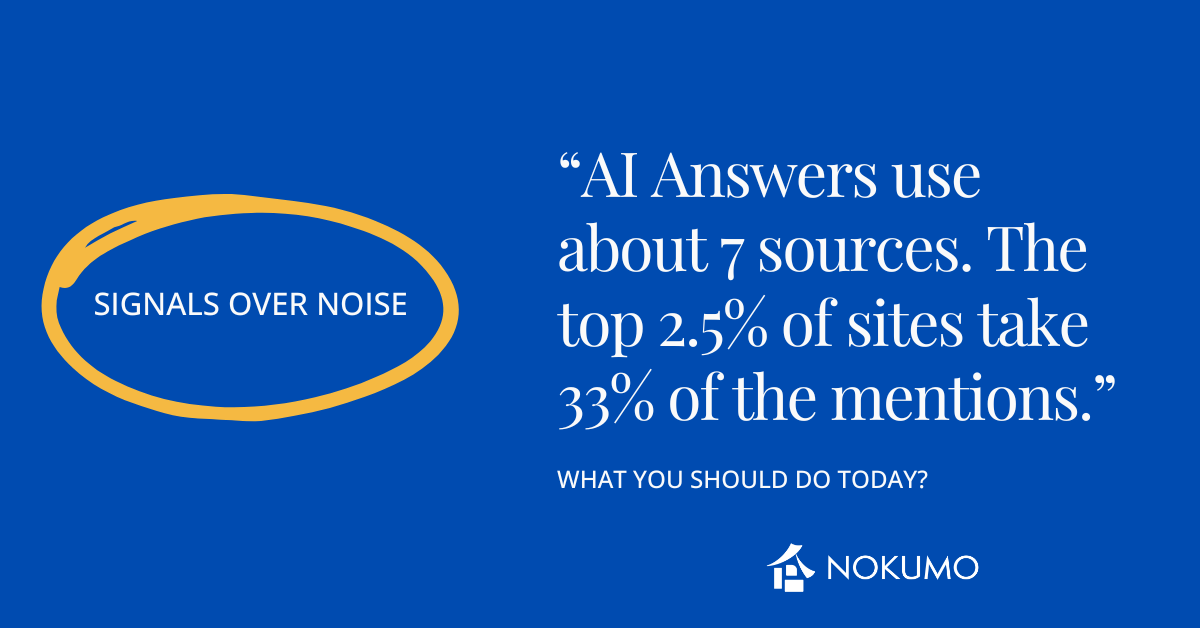
When someone asks a chat assistant about hotels, the answer usually pulls from about seven websites. A small group shows up again and again, while most hotels appear once—or not at all. If you’re not in that tiny set, you don’t get seen.
What gets you in (and what keeps you out)
Assistants look for quick, practical facts they can quote without guessing: phone, address, opening hours, and simple rules. If those facts are hidden behind banners, long paragraphs, or a scroll, your page gets skipped for a site that puts the basics up top.
What your “Contacts” strip should look like
Put one clean line at the very top of your Contact page (above any images):
-
Telephone & WhatsApp: +385…
-
Address: Street, City (small map link)
-
Opening hours: 08:00–22:00
Keep it on a single, scannable line on desktop; on mobile, it can break into two neat lines—but it must be visible on the first screen without scrolling.
Two concrete examples
-
City hotel:
Telephone & WhatsApp: +385 99 123 4567 • Address: Ilica 10, Zagreb (map) • Opening hours: 08:00–22:00 -
Seaside B&B:
Telephone & WhatsApp: +385 91 222 3333 • Address: Put Plaže 5, Split (map) • Opening hours: 07:00–21:00
Make the taps work
-
Phone link: tel:+385991234567
-
WhatsApp link: https://wa.me/385991234567
-
Map link: Google Maps share URL to your exact pin
One-minute self-test
-
Open your Contact page on your phone.
-
Can you see Telephone & WhatsApp • Address (map) • Opening hours without scrolling? If not, move it higher.
-
Tap each item—does it open the correct app (dialer, WhatsApp, map) instantly? If not, fix the links.
Why this works
You’re giving people (and assistants) the exact facts they quote most. Pages that make those facts obvious get pulled into the shortlist; pages that hide them don’t.