
Booking sites show up first. Add one button that wins the tap.
Put “Book Directly (WhatsApp/Call)” at the top of your Contact page and every Room page; make it open the app in one tap.
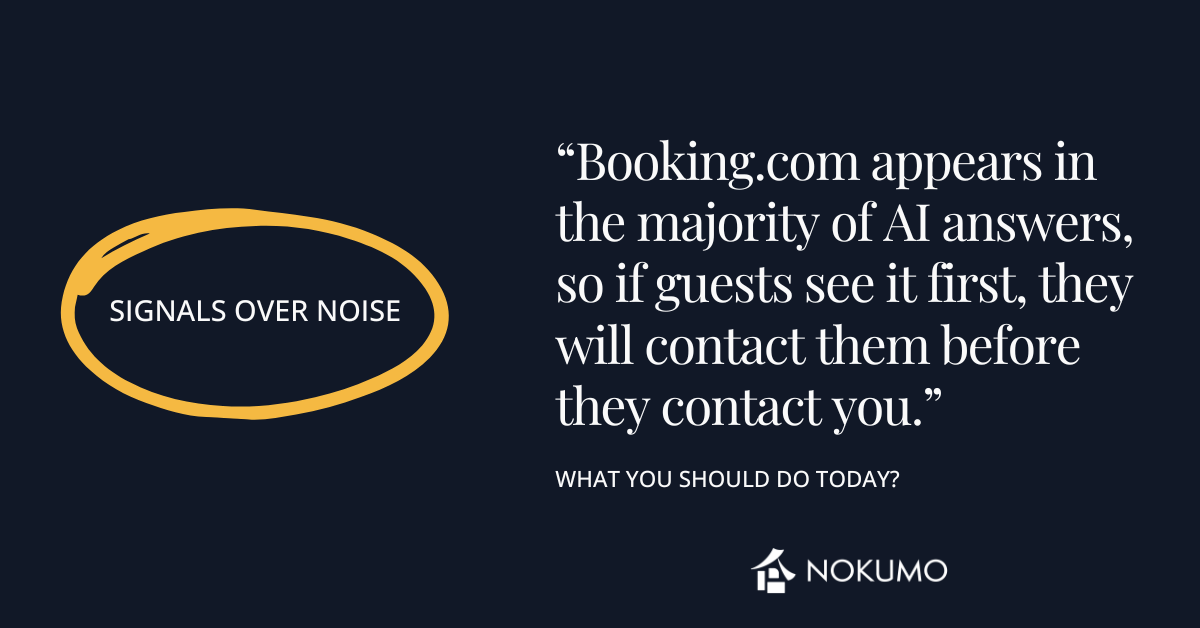
Why guests click the travel site first
When someone asks a chat assistant about hotels, results often include booking websites. In many answers, Booking.com appears. If a guest sees their link first, they’ll tap it before they ever reach you.
What to change on your site today
Put a single, clear “Book Directly (WhatsApp/Call)” button near the top of:
-
your Contact page (first screen on a phone), and
-
every Room page (right under the room name or price).
Make the button big, high-contrast, and obvious.
Exact button text (choose one)
-
Book Directly (WhatsApp/Call)
-
Book Directly — WhatsApp reply in 15 min
-
Book Directly — Best rate & quick reply
Make the taps work
-
WhatsApp link: https://wa.me/385991234567?text=Hello%20[Hotel]%20I%27d%20like%20to%20book
-
Phone link: tel:+385991234567
Test on your phone. The button must open WhatsApp or the dialer immediately—no extra steps, no forms.
Where to place it (examples)
-
Contact page (top block):
[Book Directly (WhatsApp/Call)]
Telephone: +385 99 123 4567 • WhatsApp: +385 99 123 4567 • Address (map) • Hours 08:00–22:00 -
Room page (under room name/price):
Room: Deluxe Sea View — 24 m², King bed
[Book Directly (WhatsApp/Call)]
“Fast reply 08:00–22:00”
Track it (simple)
Add a short label to the link so you can count taps in your analytics:
https://wa.me/385991234567?text=…&utm_source=roompage&utm_medium=button&utm_campaign=book_direct
One-minute self-test
-
Open your Contact page on your phone.
-
Is the Book Directly button visible without scrolling? If not, move it up.
-
Tap it. Does WhatsApp or the dialer open instantly? Fix if it doesn’t.
-
Do the same on each Room page.
What this change does
You remove steps between interest and contact. When booking sites appear, your page still wins a tap because it is faster to reach you than to go through them.